The Computer Applications Teaching & Assessment Platform for Schools
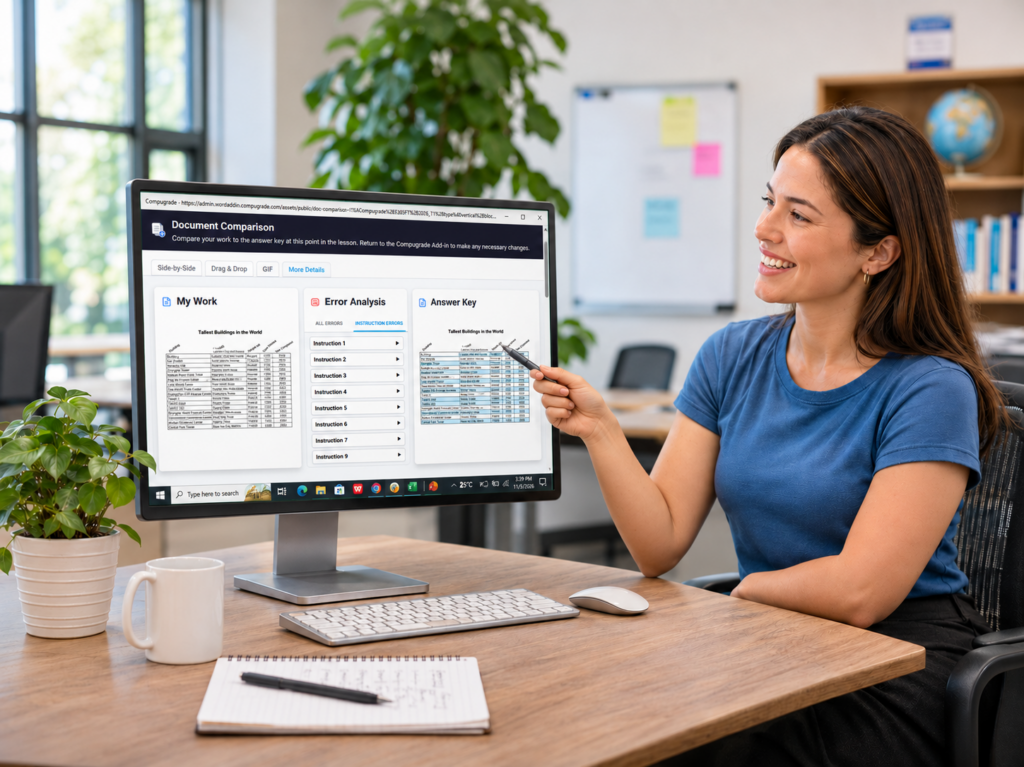
Compugrade delivers guided lessons, assignments, and assessments for Microsoft Word, Excel, and PowerPoint—all inside the applications students are learning to use. Automated grading and instant, detailed feedback eliminate hours of manual grading while helping students build real-world computer skills.
Teachers: Eliminate hours of manual grading and focus on teaching
All-in-One Instruction: Lessons, assignments, tests, and grading
Certification Prep: Build skills aligned with MOS certification
Watch how Compugrade will revolutionize your Computer Applications courses.
Reclaim your time so you can focus on teaching!
Why Compugrade?
A Better Way to Deliver Computer Applications Instruction
Compugrade brings lessons, assignments, assessments, and automated grading together in one platform. Students receive guided instruction and instant feedback while teachers save hours of grading time.
Everything is built into Microsoft Word, Excel, and PowerPoint. No separate textbooks, file downloads or uploads, or switching between applications. Just a complete computer applications learning experience in one place.
Available now for Microsoft Apps. Google Workspace Coming Soon!
Microsoft Word
Google Docs
Microsoft Excel
Google Sheets
Microsoft PowerPoint
Google Slides
SEE WHAT'S POSSIBLE WITH COMPUGRADE
Experience Compugrade Today
Whether you're ready for a closer look or want to see how Compugrade works in your classroom, there are four ways to explore the platform and discover how it can simplify teaching, assigning lessons, and grading computer applications courses.
No install needed
1. Watch a Video Lesson
Watch a real Compugrade lesson narrated step-by-step inside Microsoft Word 365